
You don’t usually notice the first bad email address. You notice the fifth bounce, the tenth “user not found,” and then—weeks later—open rates that feel strangely muted. That slow leak is why I started treating verification as a hygiene step, not a “marketing trick.” When I tested a few approaches, I kept coming back to a simple workflow: run new addresses through an Email Checker before they touch a campaign, a CRM import, or an onboarding sequence—and decide what to do with the risky edge cases instead of ignoring them.
The Real Problem Isn’t One Bounce—It’s the Pattern
Most teams don’t get punished for a single typo. The pain shows up when:
- You collect emails from multiple sources (forms, events, partners).
- A percentage includes typos, dead domains, or temporary inboxes.
- Bounces and low engagement accumulate—quietly.
Why This Matters More Than It Looks
In my own testing, the “bad” addresses weren’t always obvious. Many looked valid: the format was correct, the domain existed, and yet the mailbox was unreachable or disposable.
A Useful Mental Model
Think of your list like a water filter:
- Typos are sand—easy to catch.
- Disposable inboxes are microplastics—harder to see, still harmful.
- Catch-all domains are fog—technically “deliverable,” but uncertain.
How Email Verification Works (Without Sending an Email)
When Email Verifier is done well, it’s not one check—it’s a chain. Here’s the sequence I look for.
1. Syntax and Structure
Does it conform to valid email address formatting? This catches obvious mistakes instantly.
2. Domain and DNS Existence
If the domain doesn’t exist or doesn’t resolve, you can stop early.
3. MX Records (Can This Domain Receive Mail?)
MX records indicate where mail should be delivered. No MX, no reliable delivery.
4. Risk Type Classification
This is where modern checkers become practical:
- Disposable (temporary providers)
- Role accounts (info@, support@, sales@)
- Catch-all (domain accepts mail for any mailbox)
- Potential spam traps (varies by provider and signals)
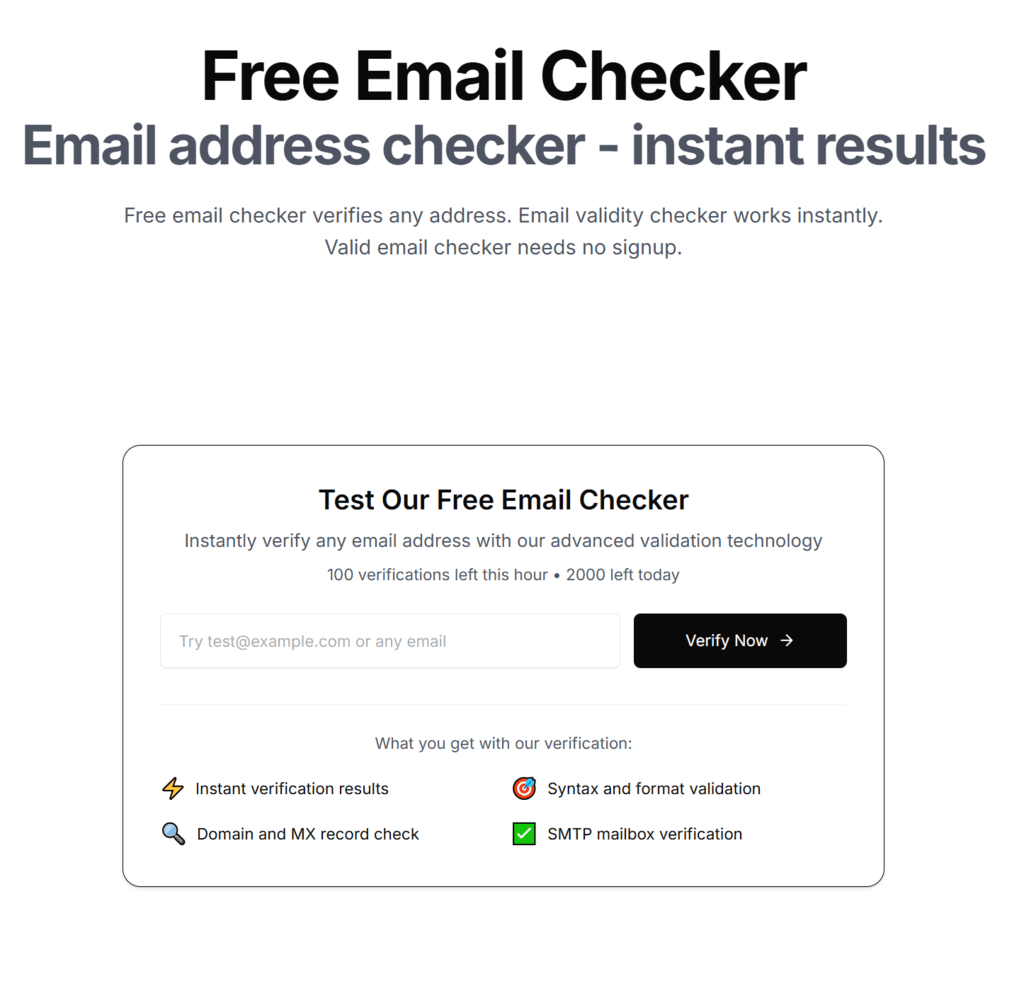
5. SMTP Handshake (Mailbox-Level Signal)
Some tools attempt an SMTP-level check to infer whether the mailbox exists—without delivering a message. In practice, this is helpful but not perfect because some providers deliberately obscure responses.
Why SMTP Isn’t a Magic Oracle
SMTP is specified in RFC 5321, but mailbox verification behavior varies widely. Some servers accept everything (catch-all), some throttle, and some provide “soft” responses that look like uncertainty. Treat SMTP as a strong signal—not a verdict.
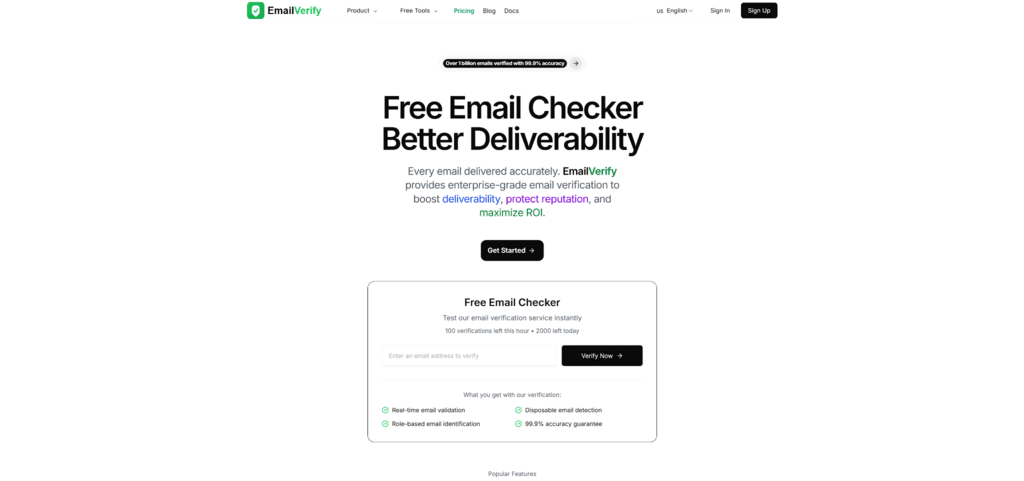
What I Noticed When Using EmailVerify’s Email Checker
I approached EmailVerify like I approach any utility: does it reduce uncertainty quickly, and does it help me decide what to do next?
Speed and “Decision Readiness”
What stood out in my test run was that the result is structured around action:
- “Valid enough to send”
- “Invalid—remove”
- “Risky—segment or double-check”
That last bucket is the one most teams ignore. But it’s the bucket that quietly shapes deliverability over time.
Free Daily Checks as a Habit Loop
EmailVerify advertises 100+ free verification credits daily. That matters because it makes the habit cheap: you can verify new leads daily instead of waiting for a quarterly cleanup.
Before-and-After: What Changes When You Verify First
Here’s the “bridge” I’ve seen in real workflows.
Before
- Import leads → send
- Discover bounces later
- Scramble to clean lists after performance dips
After
- Verify → segment → send
- Reduce bounces early
- Learn which sources generate low-quality emails
Comparison Table: Practical Approaches vs. EmailVerify
| Approach | What It Catches Well | What It Misses | Typical Outcome |
| Regex-only validation | Formatting errors | Dead domains, disposable, mailbox status | “Looks valid” but still bounces |
| Send a confirmation email | Real inbox engagement | Costs time, adds friction, delays activation | Higher quality, slower onboarding |
| Manual domain checks | Obvious domain issues | Mailbox-level risk types | Inconsistent and time-consuming |
| Generic verification tool | Mixed | Often unclear risk taxonomy | Hard to build a policy |
| EmailVerify Email Checker | Syntax + DNS + MX + risk detection + optional SMTP signal | Some catch-all and provider-obscured cases remain ambiguous | Faster “accept / reject / review” decisions |
A More Realistic (and Persuasive) Way to Use It
If you want this to actually improve outcomes, don’t treat it as a yes/no gate. Treat it as a policy engine.
A Simple Policy That Works
- Invalid → reject or remove immediately.
- Disposable → block for high-intent funnels (or require confirmation).
- Role-based → allow only for B2B workflows; segment for marketing.
- Catch-all → don’t discard automatically; tag as “uncertain” and monitor engagement.
Where This Feels Especially Useful
- Newsletter signups (stop junk from inflating list size)
- Lead-gen campaigns (protect cost-per-lead from fake addresses)
- Sales outbound (reduce wasted sequences and follow-ups)
- Account creation (reduce bot and throwaway accounts)
Limitations You Should Expect (So You Don’t Overpromise Internally)
Verification isn’t “effortless magic.” A few realities:
- Catch-all domains can return “deliverable” signals even when the mailbox is unmonitored.
- SMTP checks can be throttled or intentionally vague.
- Results depend on inputs—typos, international domains, and unusual mail server configurations can require a second pass or manual review.
- You may need multiple attempts if you’re verifying at scale with strict timeouts.
Closing Thought
If you’re trying to build a list that stays healthy—not just a list that looks large—verification is a boring step that pays off over time. In my own workflow, running emails through a checker before they enter the system changed the way I think about “lead quality”: less guesswork, fewer surprises, and a clearer policy for what to do with the messy middle.

Chase Ortiz is part of the team at PaigeSimple, where he takes care of all the advertising requests. With a sharp eye for detail, Chase makes sure every advertising opportunity is handled smoothly, helping the site grow and reach more people. His ability to manage these tasks efficiently makes him an important part of the team.